What’s New at ARTERNAL — August Updates
Online Viewing Rooms
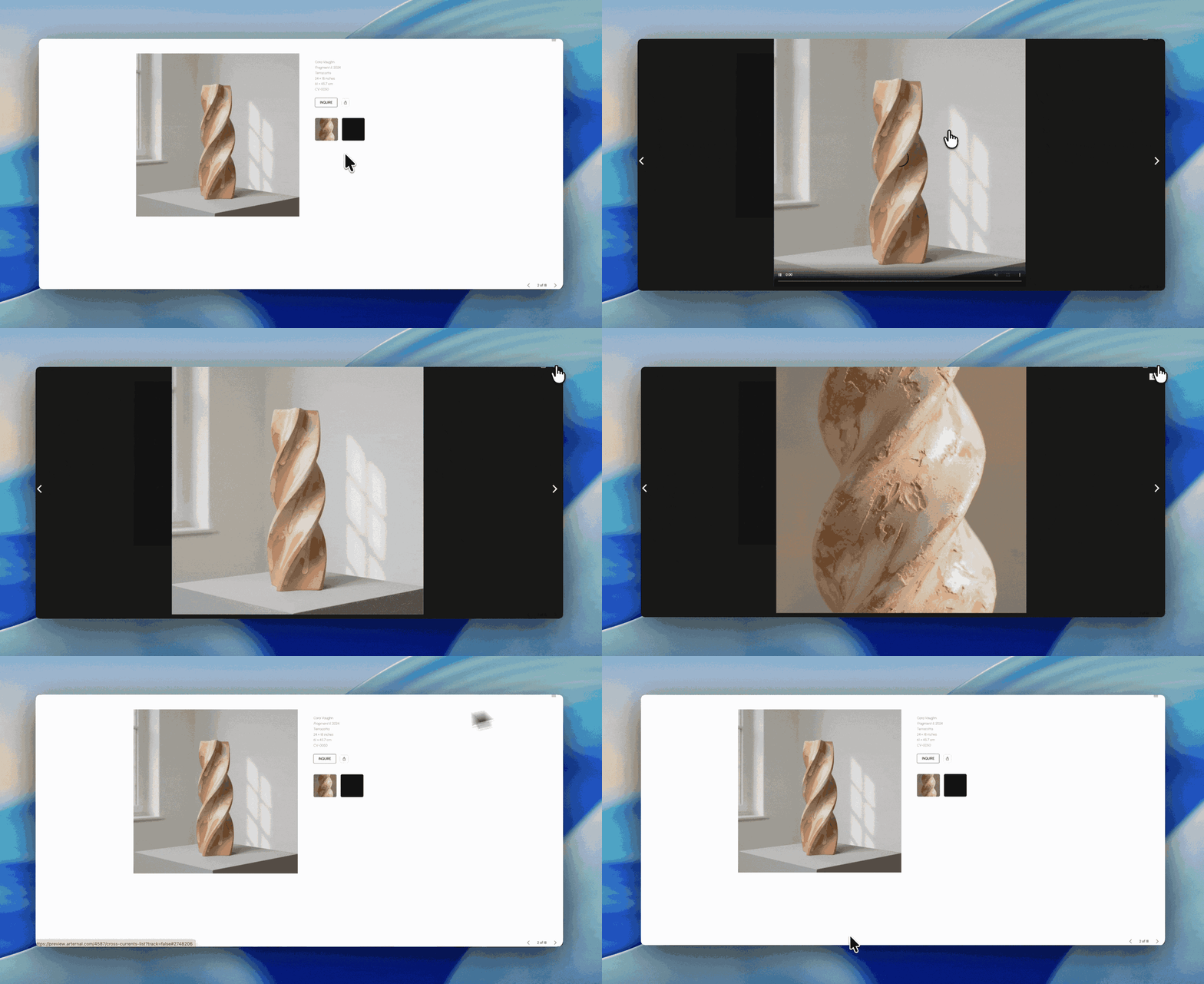
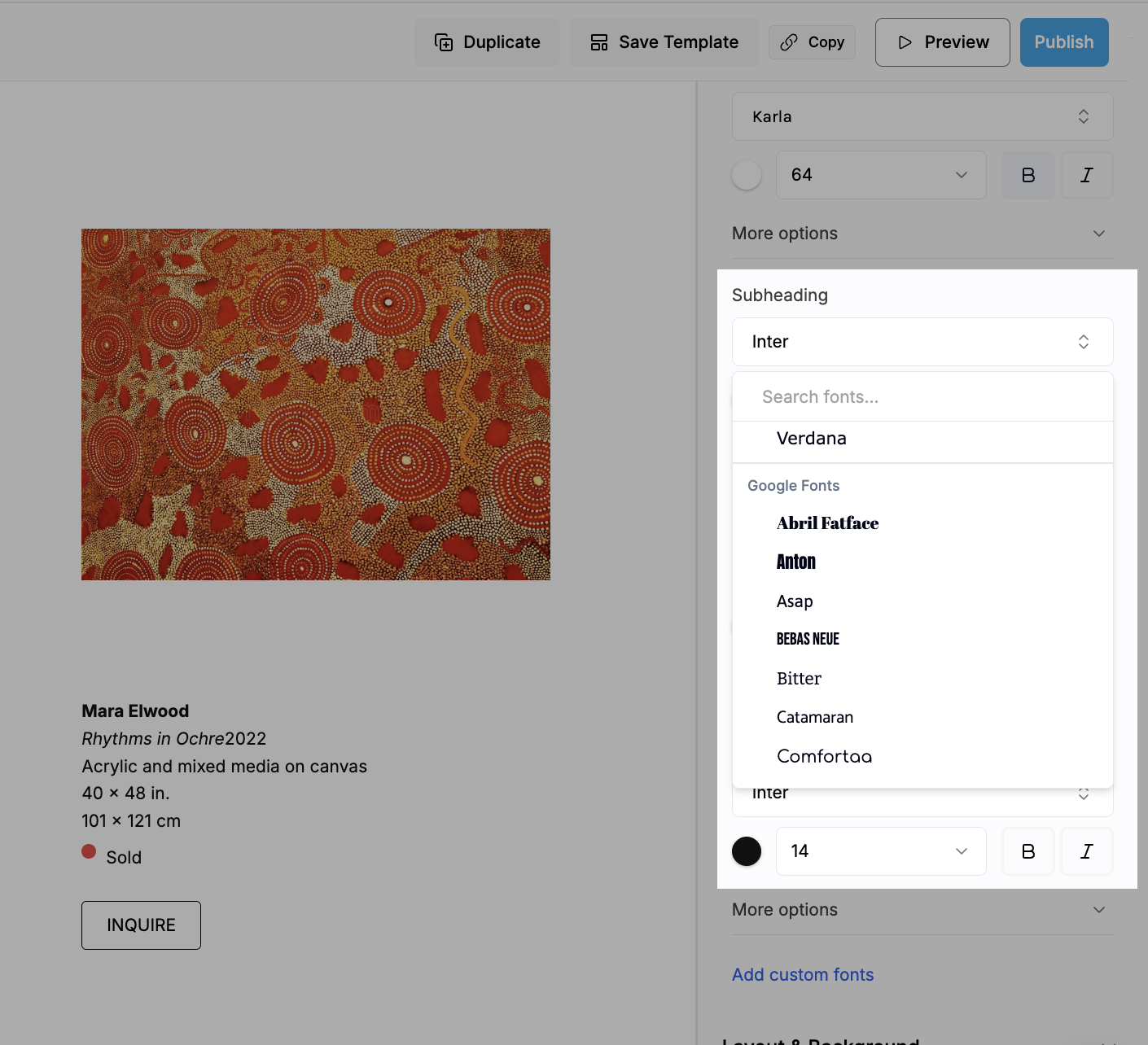
Installation views can now run full width as a carousel
Installation views are no longer locked to a small four-across grid. You can set an install view to display as a full-width carousel, so images fill the screen one after another instead of shrinking to fit four in a row — much closer to how the room actually looked. Thank you to everyone who kept asking for this.
Locations and contacts load correctly
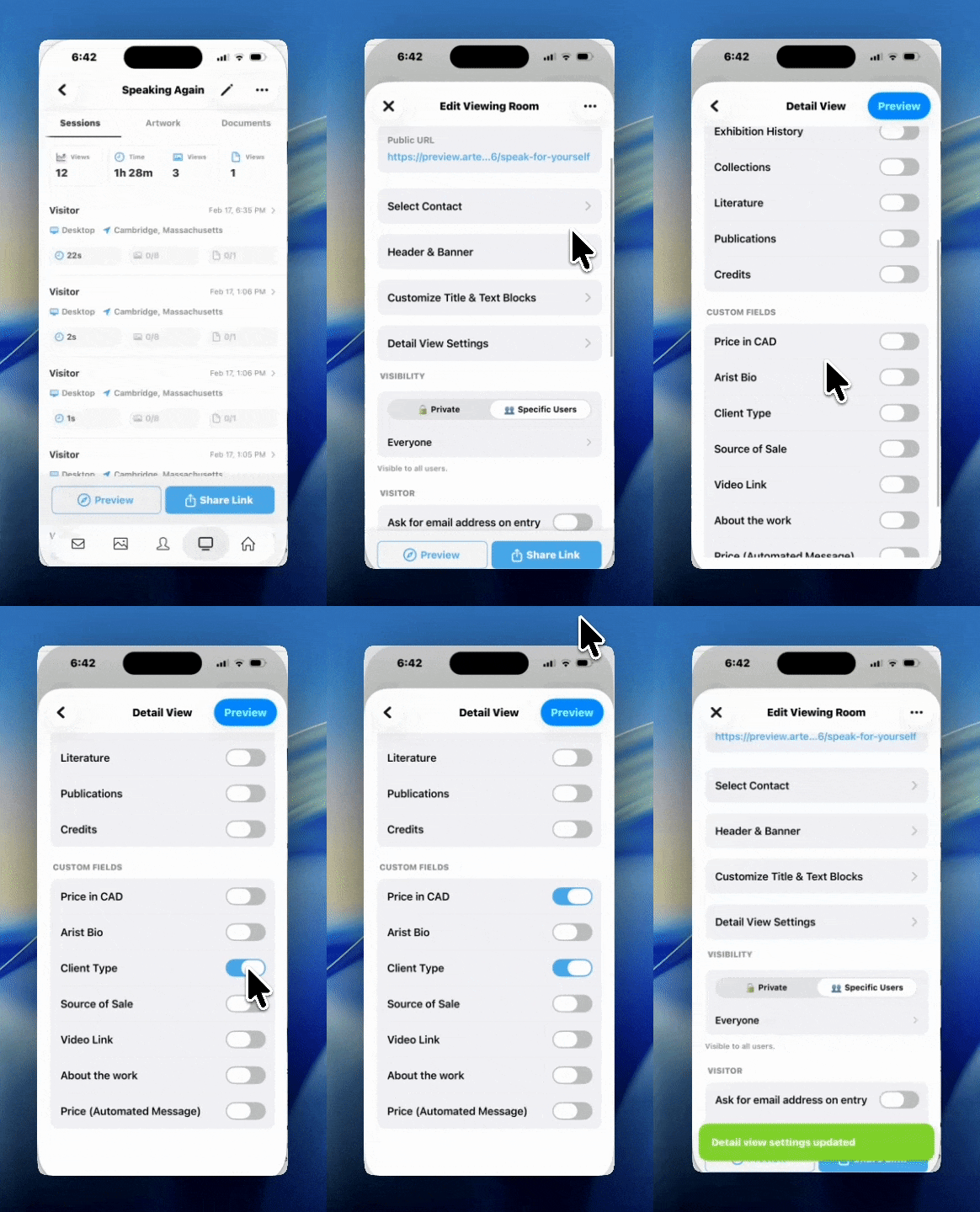
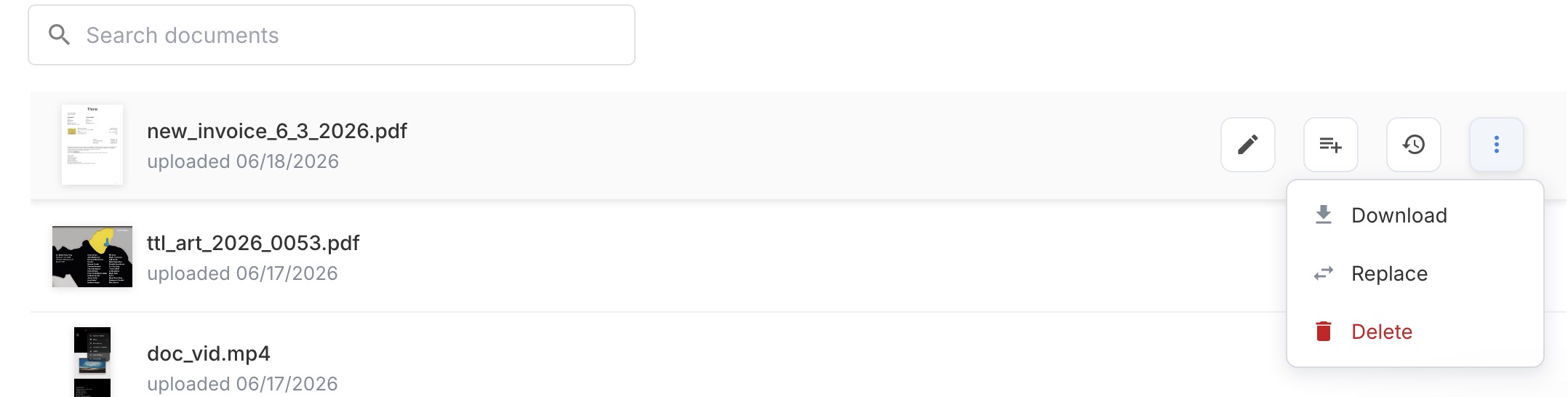
We fixed an issue where contact information wasn’t being pulled correctly into an Online Viewing Room, and documents no longer turn up in the set works list on your website.
Contacts
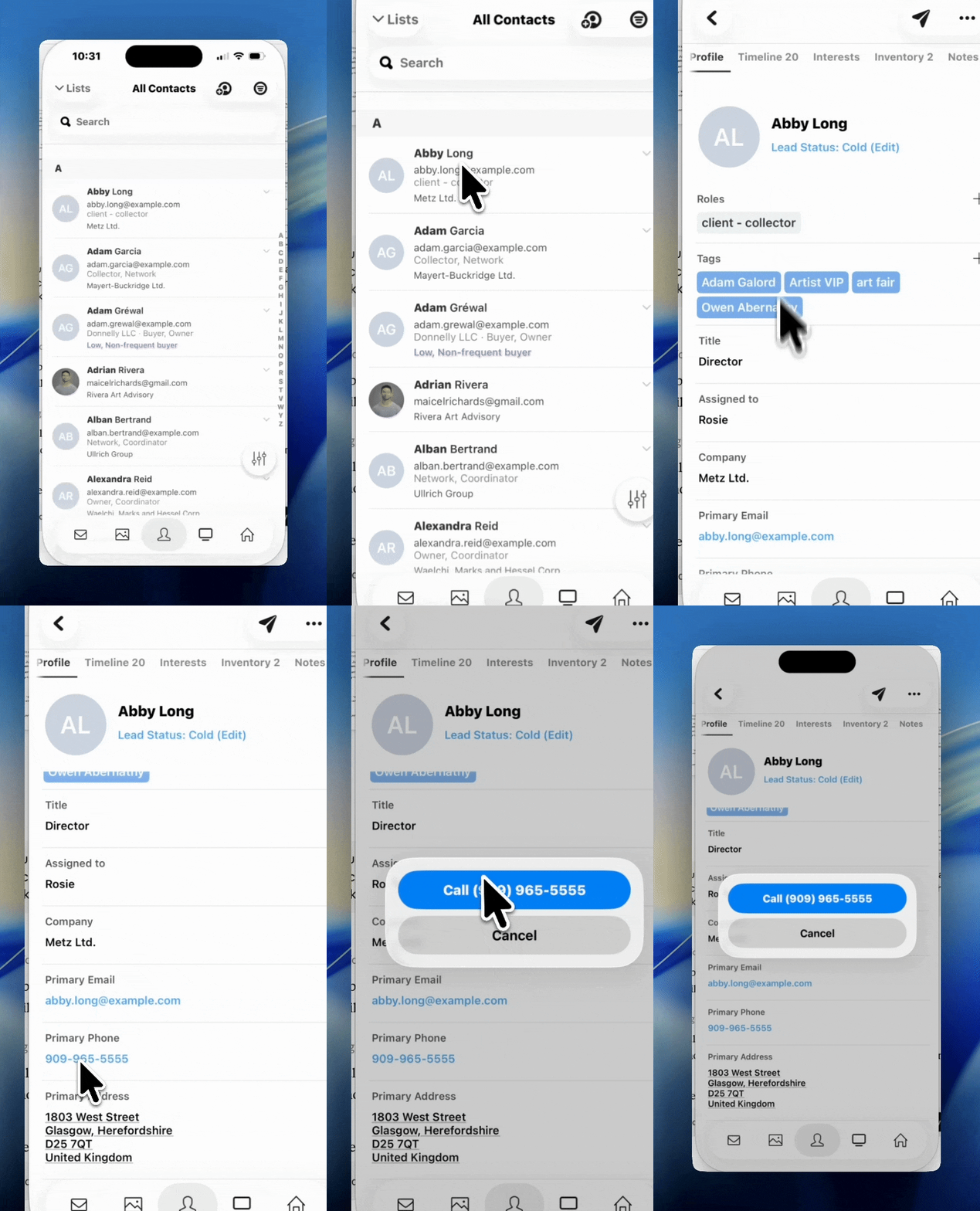
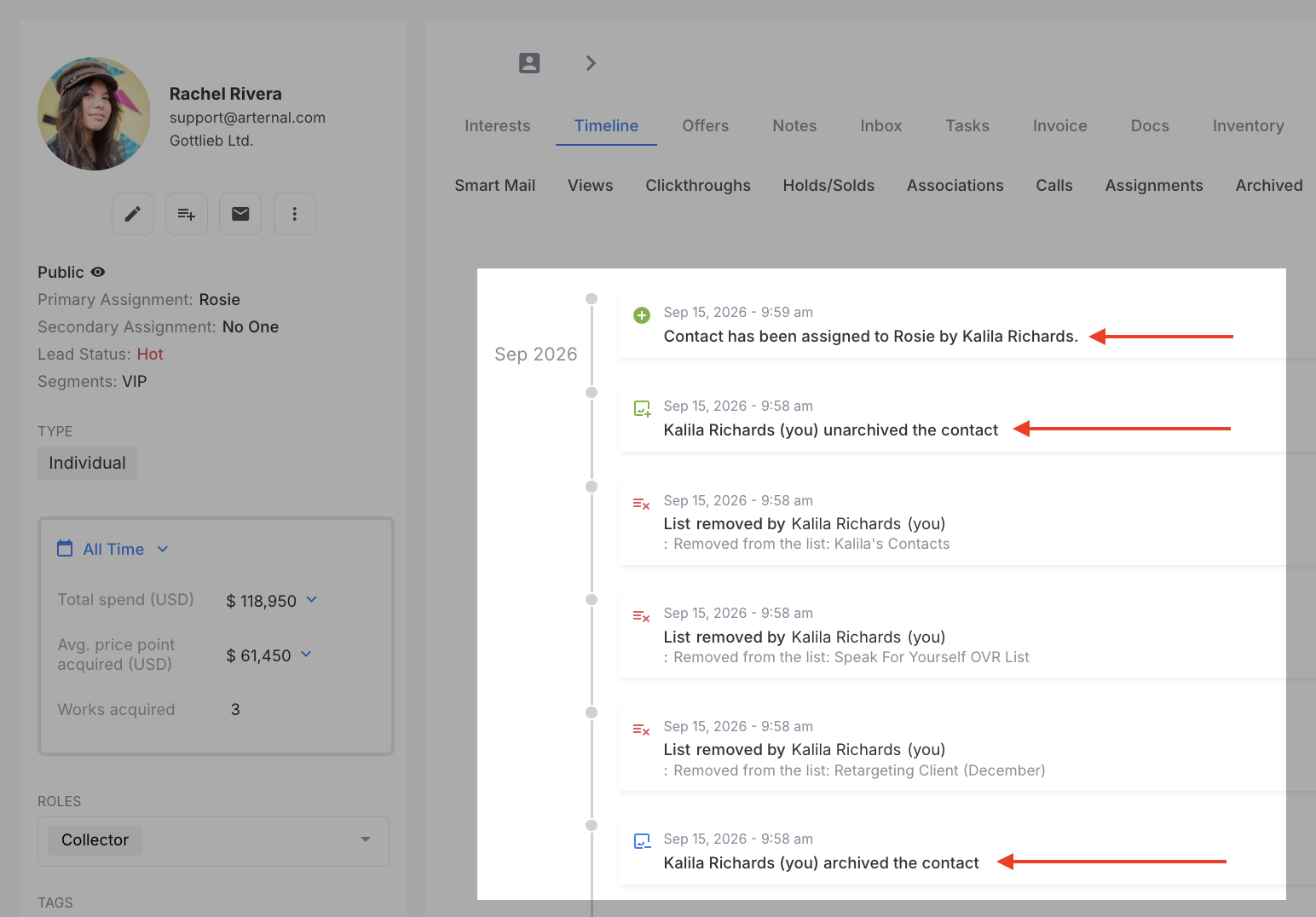
The activity timeline now records archiving and assignment
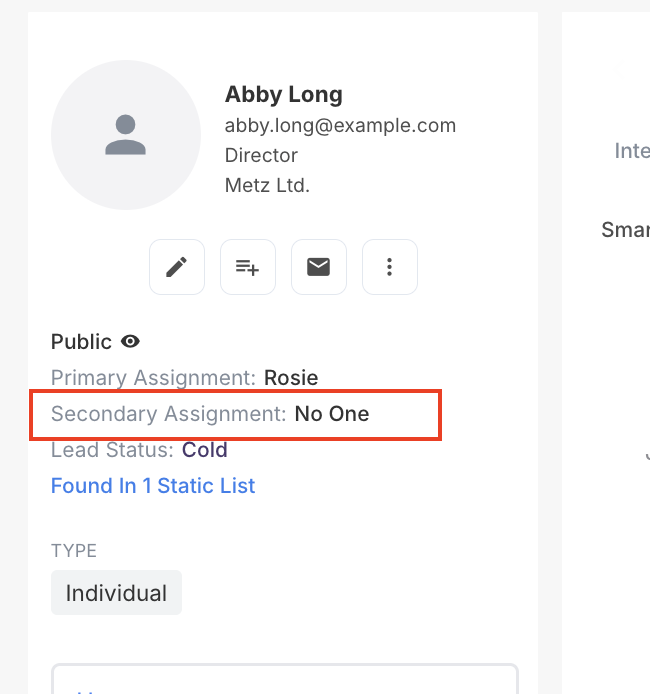
Three gaps in the contact timeline are filled: archiving and unarchiving a record, assigning a contact, and re-assigning a contact all appear on the timeline now, each with the person who made the change.
Public and private now stick
If your account has more than one organization on it, contacts you set to Public could quietly revert to Private. The setting was being applied to the wrong organization, so it never actually saved. It now saves against the contact’s own organization and stays where you put it.
Select All really does select all
Using Select All on a filtered contact view took roughly the first 120 contacts and then stopped without telling you. It now adds every contact matching your filters.
Inventory
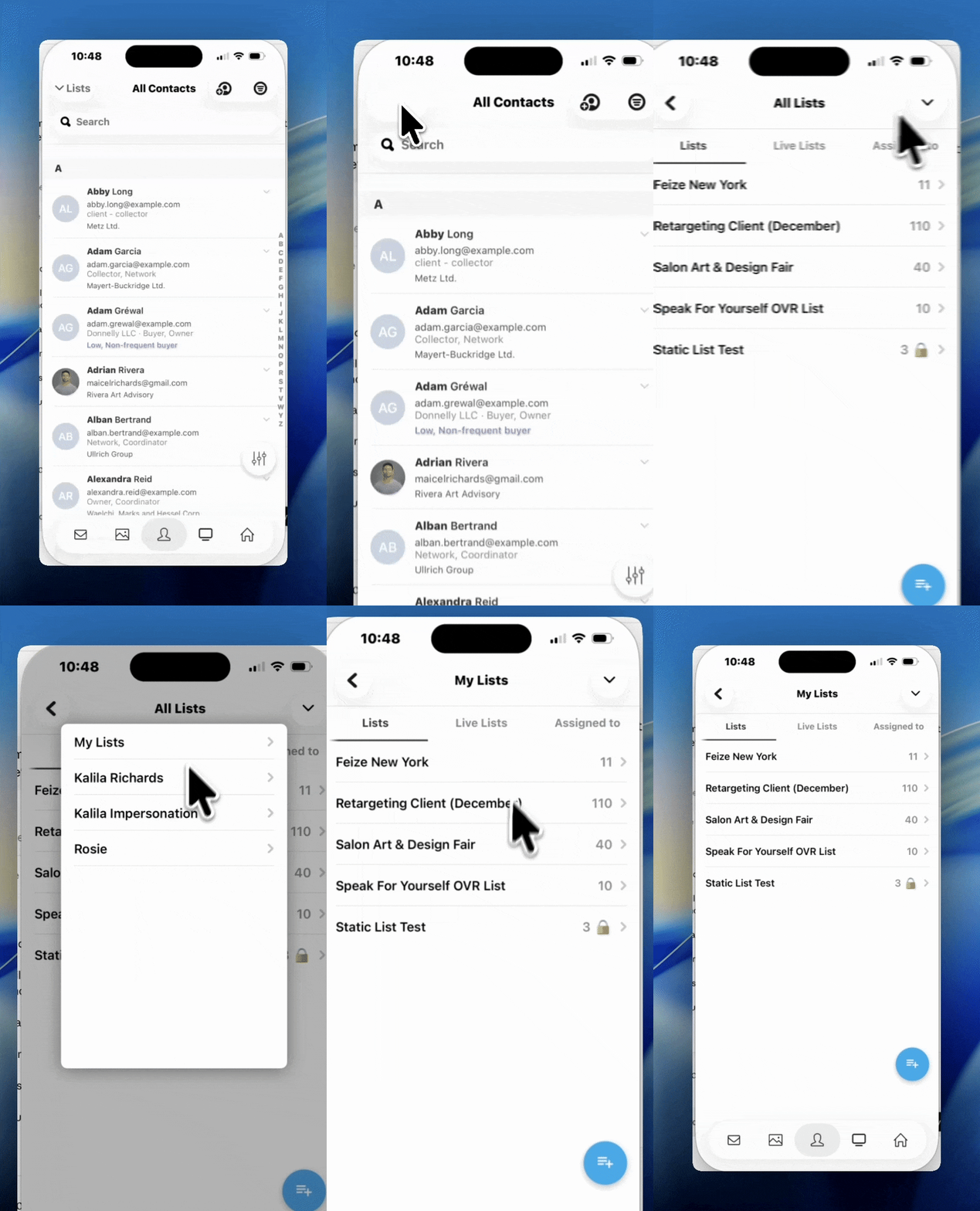
Archive lists and inventory sets
Lists and inventory sets can now be archived and unarchived, with a new Archived Collections page to find them again. Archived collections follow the same view permissions as regular ones, so nobody sees something they couldn’t see before.
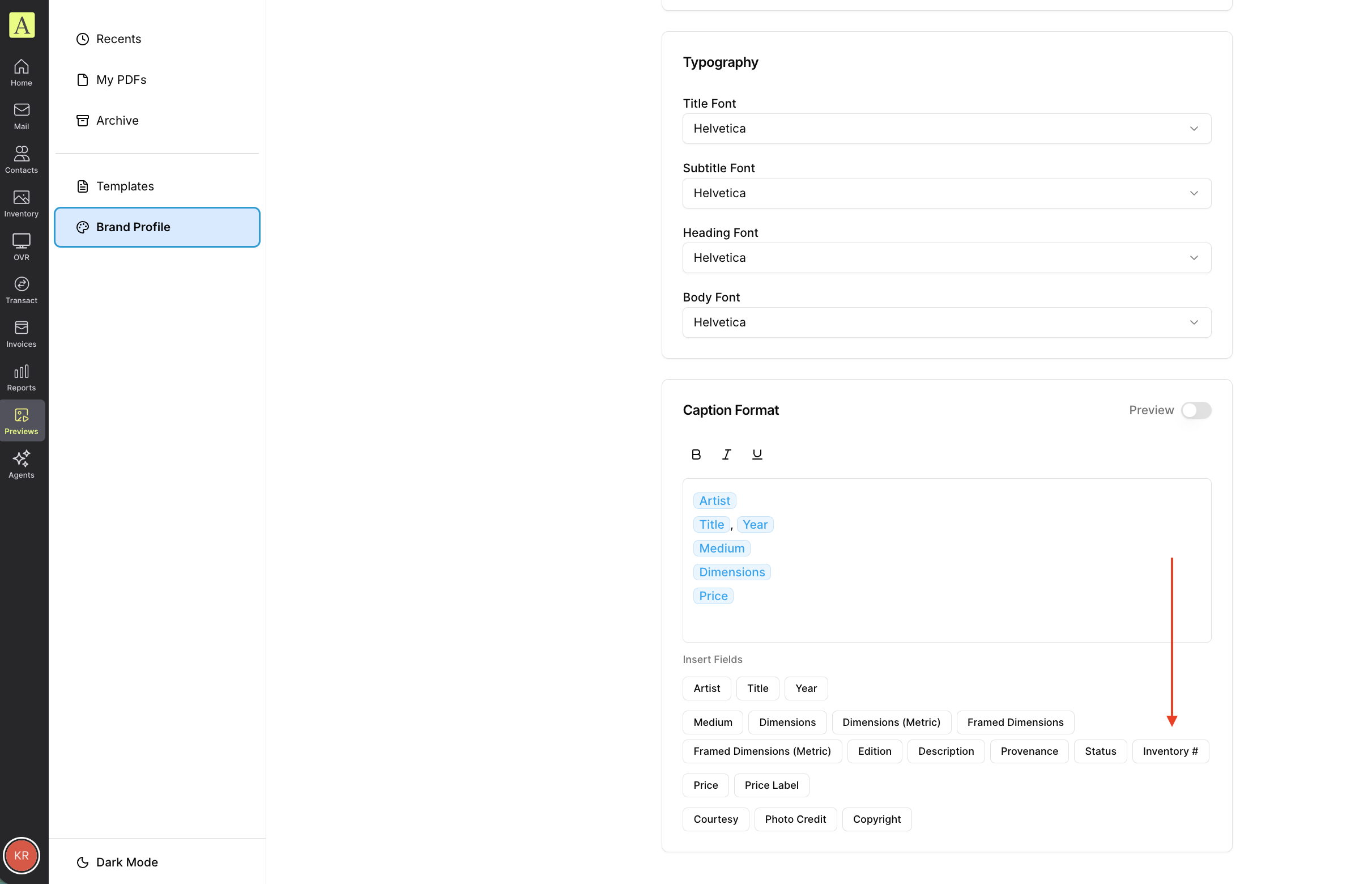
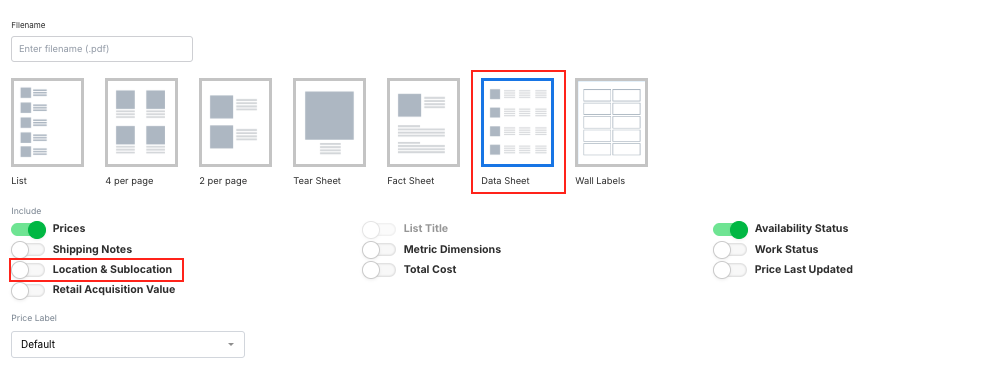
Location and Subtitle on lists
Inventory lists now carry two new fields, Location and Subtitle, so a list can hold the text that goes out with it.
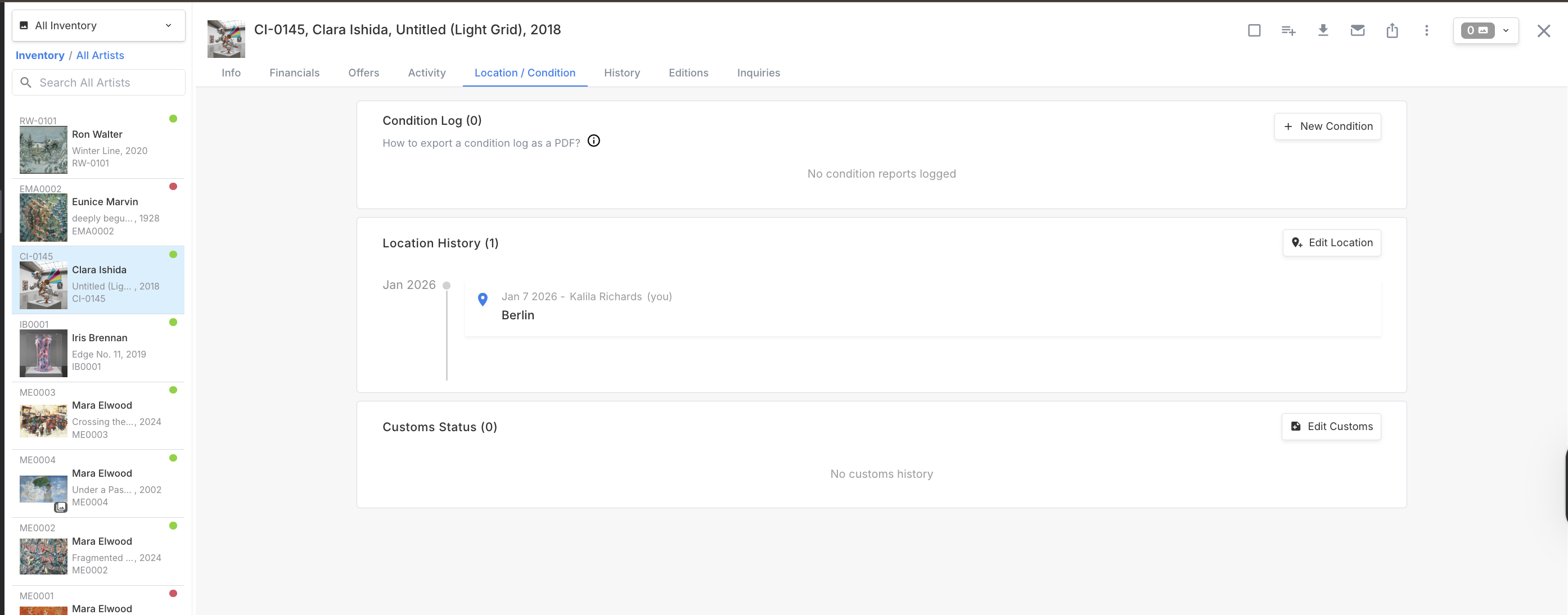
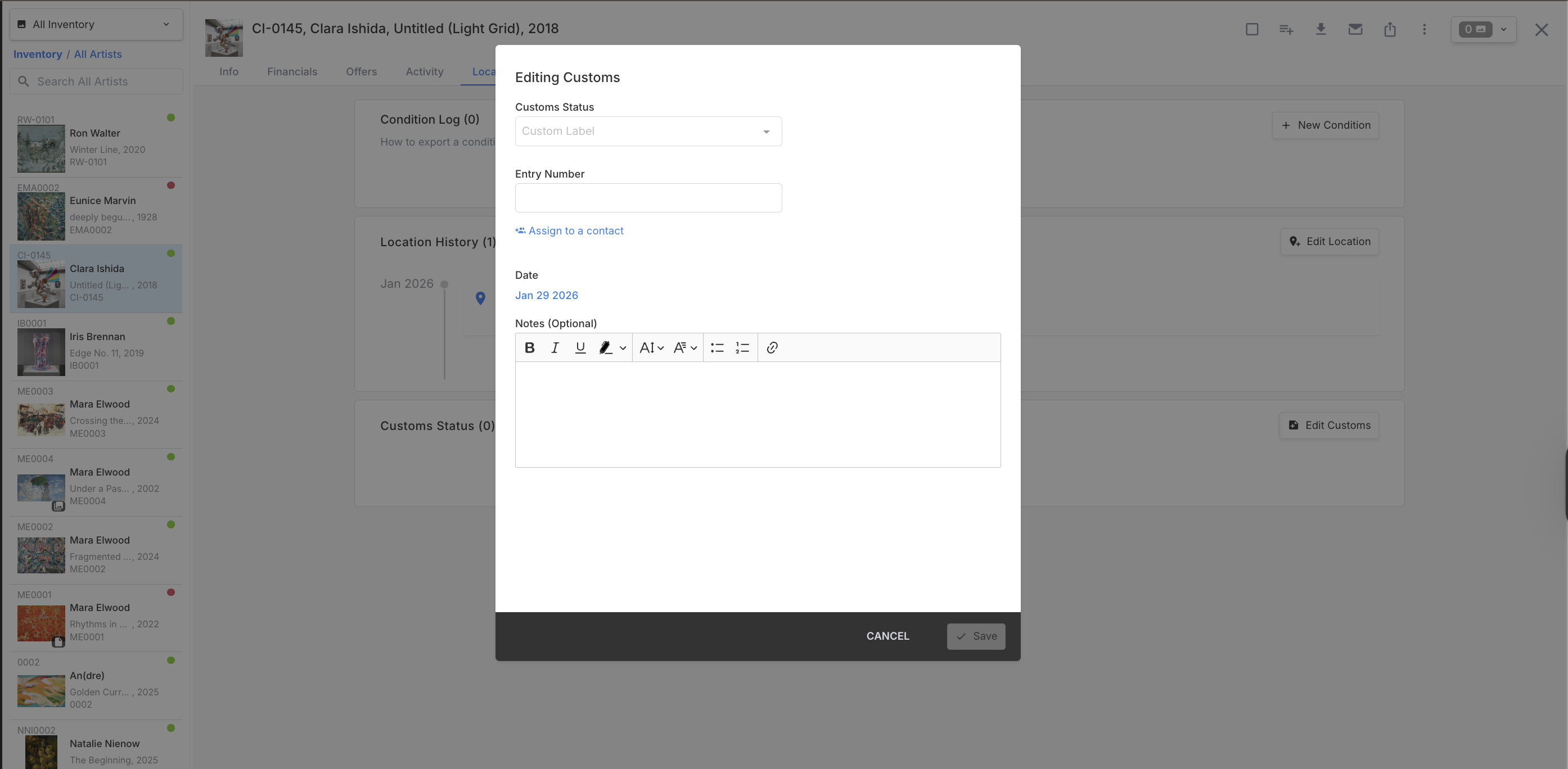
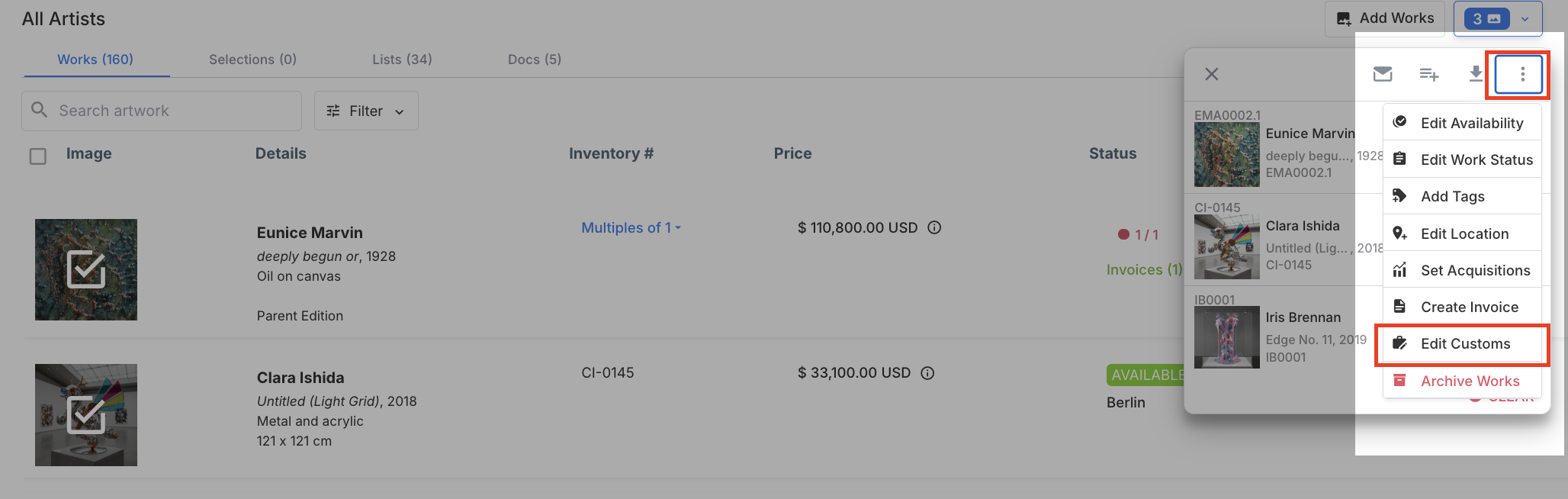
Filter inventory by Customs Status
Customs Status was something you could record but not search on. It’s now a filter like any other inventory field.
Catalog numbers sort the way you’d expect
Catalog numbers now sort naturally throughout the app: letter edition suffixes run a1, a2 … a10 rather than a1, a10, a2, and dotted sub-numbers put 1.9 before 1.10. This applies both to sorted lists and to the detail grids inside a record.
Reports
Point of Sale on the Sold Artworks report
The Sold Artworks report has two new columns. Point of Sale shows where the sale happened, formatted as line 1, line 2, city, state, country, and can be filtered by text — useful if you run more than one location and want to see who bought where. Sold To Email is there too, hidden by default; unhide it to include buyer emails in an export.
Together, those let you filter to a location, export, and run the result through the contact importer with a list name to build a contact list of that location’s buyers.
Invoices & Payments
Detail Presets, redesigned
Detail Presets got a rebuild that makes them easier to reorder, cancel, and edit. Drag-and-drop reordering on invoice lists is working again as well.
Invoice documents render properly again
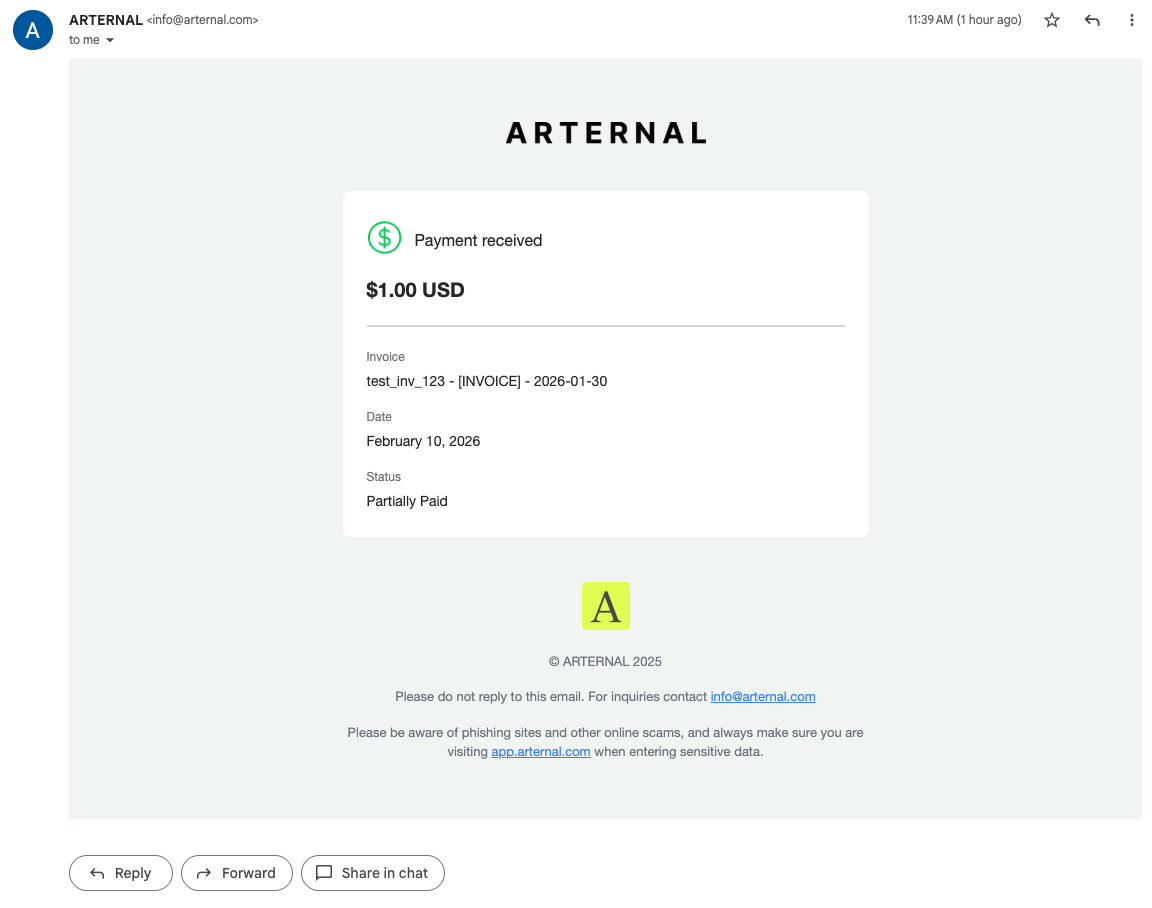
Invoice PDFs were generating at an odd page size, which had them opening zoomed far out and, in one case, padding a one-page invoice out to eleven. They now render as true US Letter for users with this PDF format.
Smaller invoice fixes
* Artwork thumbnails now appear on invoices that came in through a migration.
* Shipping invoice totals recalculate correctly when line items are present, and imported shipping totals are preserved.
* Tax on new invoices may look different: we now declare destination-state nexus where it applies, so an amount can legitimately differ from what you’d have seen before.
- - -
Importer
A round of importer work, most of it aimed at rows that used to disappear without saying anything:
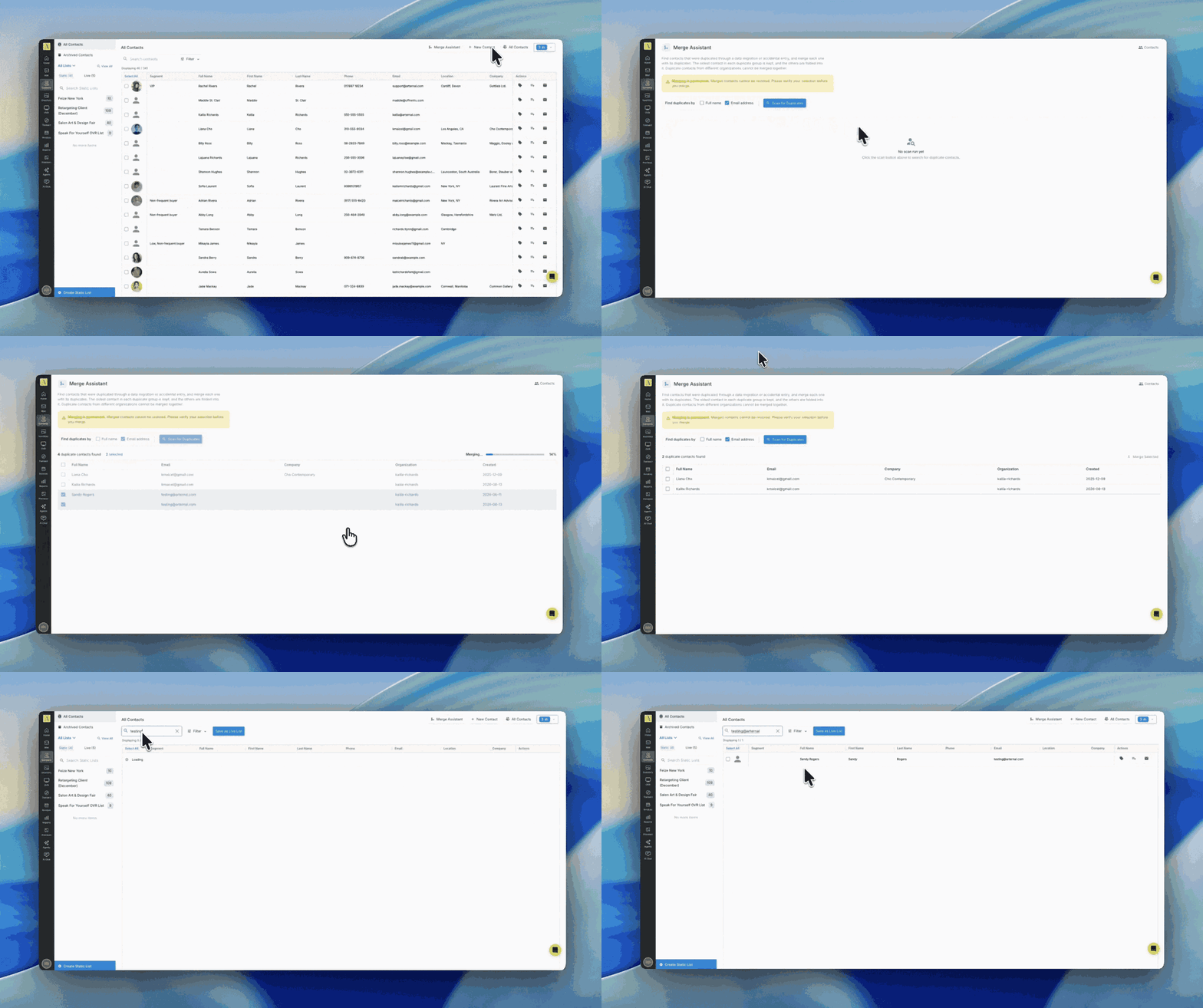
* Archived contacts now come through on import instead of being skipped — a matching archived record is unarchived and included.
* Contacts with a secondary address were being dropped silently from large imports. They import now, and the importer surfaces errors instead of quietly skipping rows.
* Location is supported on inventory list imports, so it comes across instead of being dropped.
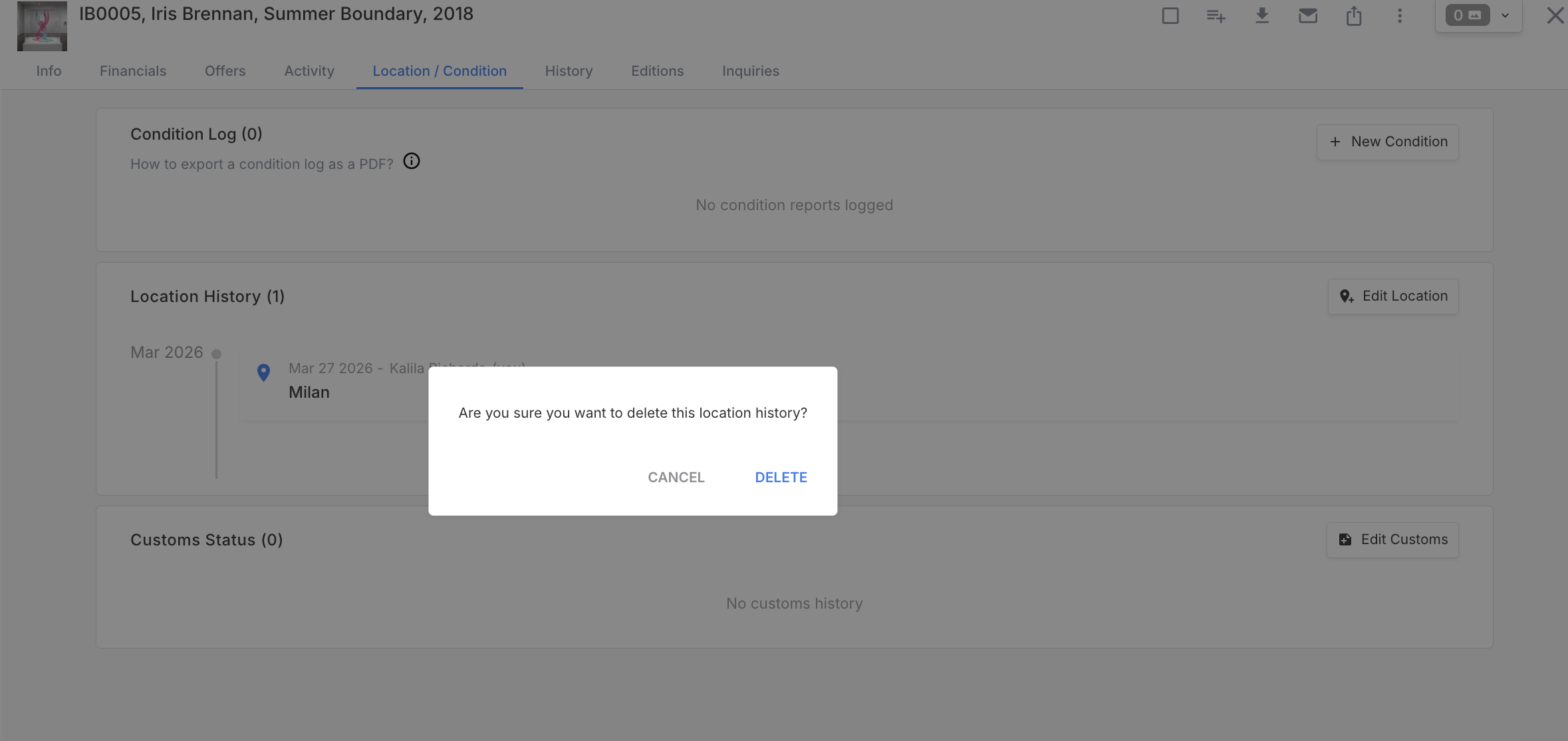
* Location history parses far more reliably during a migration, with fewer rows landing in an error state.
* Prices and currency that landed in the wrong column on import are handled correctly.
- - -
SmartMail
Faster loading
SmartMail pages were taking several seconds to open for some accounts, even on a two-recipient send. Three slow calls behind the page were reworked and it loads noticeably faster.
- - -
ARTERNAL Website
Exhibitions and fairs need dates before they publish
An exhibition or fair with no dates can no longer be published to your website, and bulk publish skips it with a warning in the portal rather than pushing an incomplete page live. You can still un-stage a draft that’s missing dates.
- - -
Bug Fixes
A batch of smaller fixes that didn’t need their own section:
* Blank contact rows that couldn’t be clicked or opened are gone.
* The user initials in the bottom-left corner no longer show the previous user’s initials.
* Downloading a main image from an artwork record now shows progress and tells you if something goes wrong instead of appearing to do nothing.
* Tags no longer merge across types when two different kinds of tag share a name.
* Attachments on inventory records behave correctly, and inventory attachments stay hidden from inventory when that toggle is on.
* The sold-associations setting applies retroactively when you turn it on, rather than only to new activity.
* Imported metric dimensions round to two decimal places.
* Sold and consigned are no longer offered in the location filter for accounts that have real locations set up.
* Inventory numbers no longer collide when an artist is attached to several works at once.
* General stability and performance improvements across the platform.
- - -
Questions?
Check out our Help Center or book a demo if you’d like to see any of this in action.